Beginner Tech Tips: Finding Your Way Around the Digital Campfire
Welcome to The Computer Campfire! If you've ever felt a little lost in the digital world, you're in the right place. We’re starting with simple 'small wins' to build your confidence, one click at a time.
Welcome to the Digital Welcome Mat
Pull up a log and settle in. If you’ve ever felt like technology is a language everyone else speaks but you, take a deep breath. You’re home now. At The Computer Campfire, we believe that learning to use your computer shouldn’t feel like a chore or a test. It should feel like gathering around a warm glow, sharing stories, and helping one another find the way through the woods. Today, we’re laying down the ‘Digital Welcome Mat.’ We aren’t going to build a rocket ship today; we’re going to focus on small wins—those little moments of success that make you feel like the master of your machine.
Mastering the Physical Interface
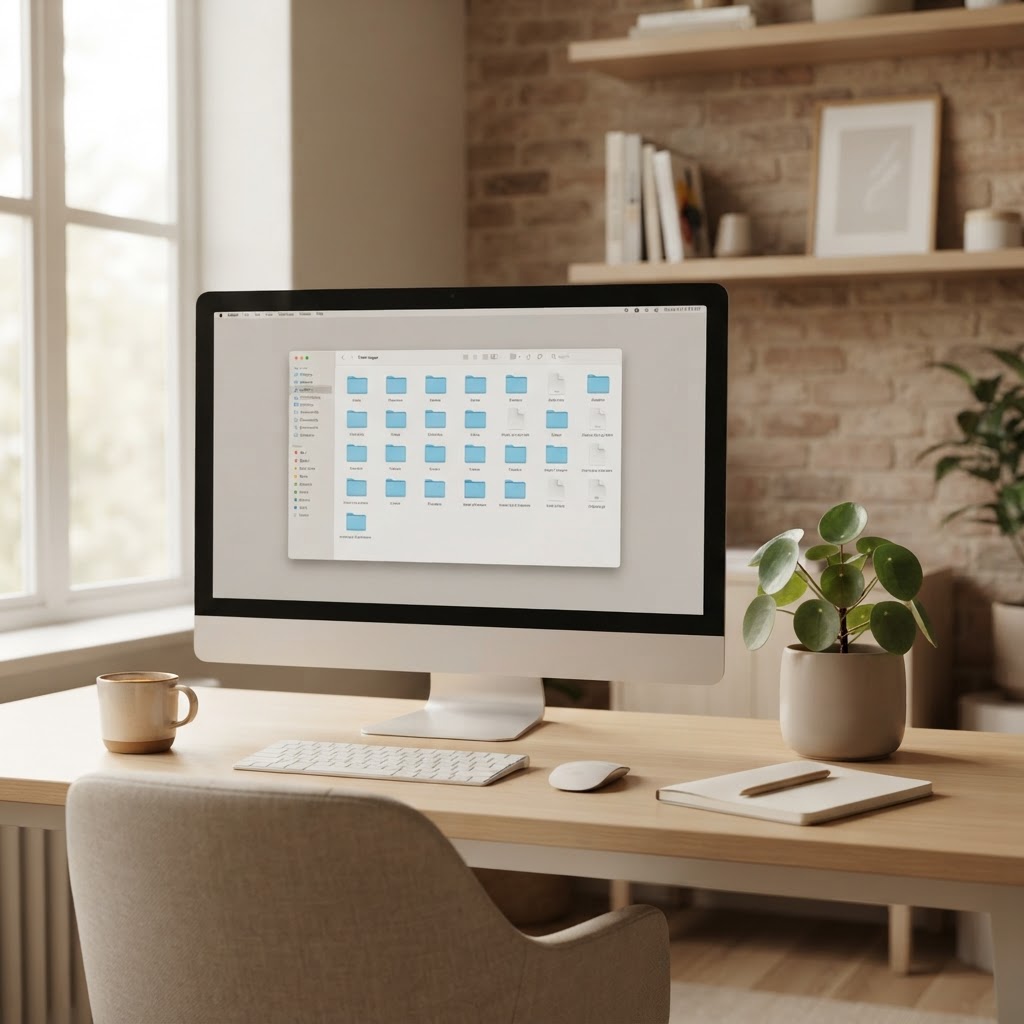
Before we can explore the vast digital wilderness, we need to get comfortable with our gear. Your mouse and keyboard are your compass and walking stick. If you find the mouse cursor jumping around or disappearing, you aren't alone. It’s all about muscle memory. Try to keep your wrist flat and move the mouse with gentle, gliding motions. When it comes to scrolling, think of it like turning the pages of a book—one light flick of the wheel at a time. For typing, don’t worry about speed. Proper hand placement, with your fingers resting lightly on the ‘home row’ (that’s the middle row of letters), will eventually make your computer feel like a natural extension of your thoughts. Let's take this one click at a time.
Magic at Your Fingertips: Essential Shortcuts
Did you know your keyboard has hidden shortcuts that can save you a world of frustration? These are like little secret paths through the forest. The two most important ones to learn are Copy and Paste. Instead of retyping a long web address or a recipe, you can highlight the text, hold down the Control key (Ctrl) and tap the 'C' key. That ‘copies’ the information into your computer’s invisible memory. Then, go where you want the text to live, hold 'Ctrl' again, and tap 'V'. Voila! You’ve just ‘pasted’ it. Mastering these simple computer how-to steps reduces the fatigue of repetitive typing and gives you an immediate boost in digital literacy.
Safe Travels in the Digital Woods
The internet is a wonderful place to find information, from old family recipes to photos of your grandchildren. To make your travels stress-free, focus on safe browsing. Think of your browser (like Chrome or Safari) as your window to the world. If you find a website you love, ‘bookmark’ it! This is like putting a physical bookmark in your favorite book so you can find your way back instantly. When it comes to email, the most important tip is to stay curious but cautious. If an email looks strange or asks for your password, it’s okay to just close it. Remember: no question is too small. If you aren't sure how to send a photo attachment to a friend, just remember it’s usually as simple as clicking the little paperclip icon. You've got this!
Keeping Your Gear Cozy and Clean
A happy computer is a clean computer. You don't need a degree in engineering to keep your PC running smoothly. Start by disinfecting your high-touch areas, like your mouse and keyboard, with a slightly damp (not wet!) cloth. If your computer starts to feel a bit ‘tired’ or slow, the best medicine is often a simple restart. Turning it off and back on again clears out the digital cobwebs. If you’re setting up a new PC for the first time, take it slow. Plug in one cable at a time and follow the colorful prompts on the screen. There is no rush.
Modern Tools for Modern Times
Even if you’re just starting out, there are new tools that can make your life easier. Have you heard of AI assistants like ChatGPT? Think of them as a very knowledgeable librarian sitting right next to you at the campfire. You can ask them simple questions like, ‘How do I bake a potato?’ or ‘Explain how a printer works in simple terms.’ Speaking of printers, many modern smartphones can now connect to your printer without any wires at all. Imagine taking a photo of your garden on your phone and, with two taps, having a physical copy in your hand to put on the fridge. These are the small wins that make technology for beginners so rewarding.
Your Journey Continues
Every expert was once a beginner. The goal isn’t to know everything; the goal is to feel comfortable enough to explore. Whether you’re mastering computer basics or just learning how to find a video online, you are making progress. We’re here to keep the fire going and the lights bright for you. If you enjoyed these beginner tech tips and want to learn more in a supportive, patient environment, we’d love to have you join our community permanently. Start Learning Today and let's take the next step together.